How to create a new project with create React App?
23 november, 2020Getting started | Create React app
React is a popular JavaScript framework for creating front-end applications. Originally created by Facebook, it has gained popularity by allowing developers to create fast applications using an intuitive programming paradigm that ties JavaScript with an HTML-like syntax known as JSX.
Starting a new React project used to be a complicated as it involves multi-step process to setting up a build system.
In this tutorial, i am going to teach you how to create a react app step-by-step.
Prerequisites
To follow this tutorial, you’ll need the following:
-
NodeJs latest version installed on your computer. To install thisClick here
Step-1
-
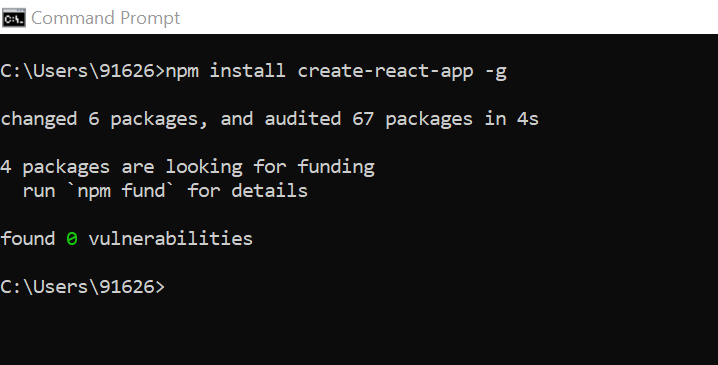
Open a command prompt in your computer and install the package create-react-app globally using following command:
npm install create-react-app -g
Step-2
-
After installing the package create-react-app go to directory where you want to create your react project using cd command. If you want to create a project on desktop simply type cd desktop in your command prompt
cd desktop
.png)
Step-3
-
Now type the following command to create a new react app:
create-react-app demo
Here demo is the name of the project. You can choose any name you like.
.png)
.png)
Step-4
-
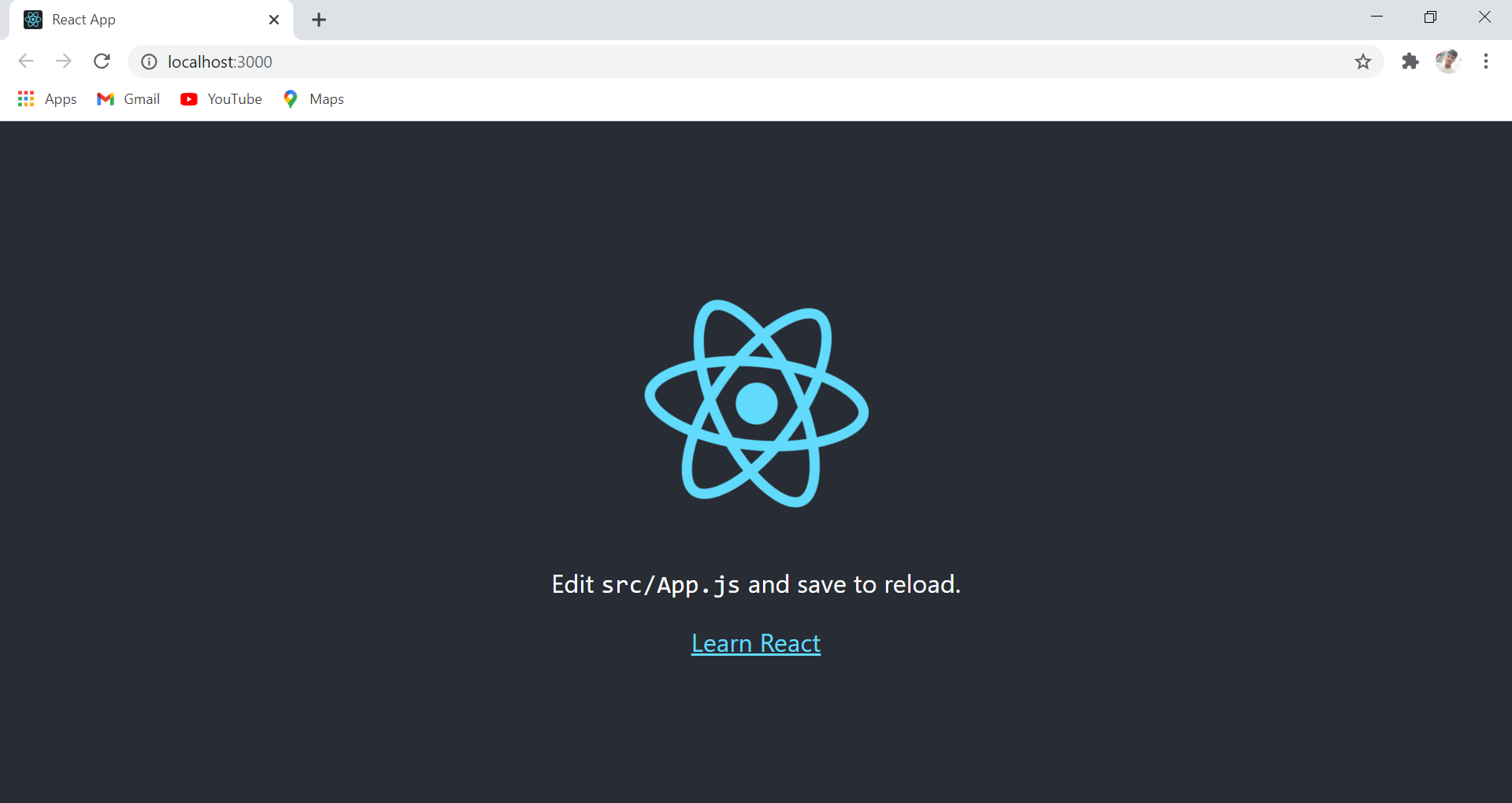
Now go to your directory and run the following script:
npm start
.png)
-
After run this command the local server starts.
.png)
Step-5
- Now open the project in visual studio code or any editor you like to use.
Congratulations ! you have succesfully create a new project in react app
Thank you for reading this blog, i hope you will like it.